Codex Desktop
Importing through CC Switch works exactly like the Codex CLI setup.
Download the Codex Desktop from https://openai.com/en/codex/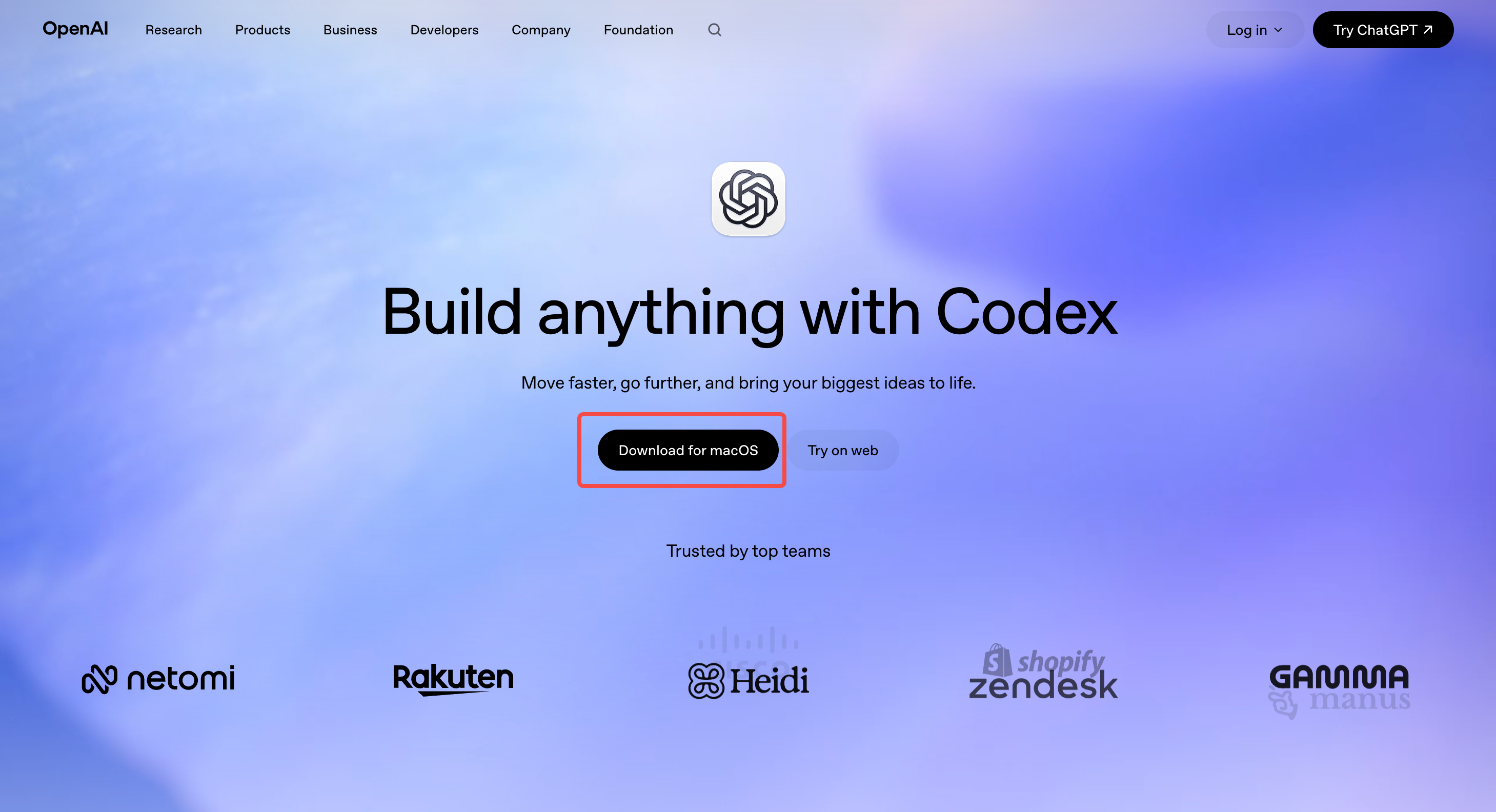
Verify
Open the Codex Desktop, click New chat and send a message.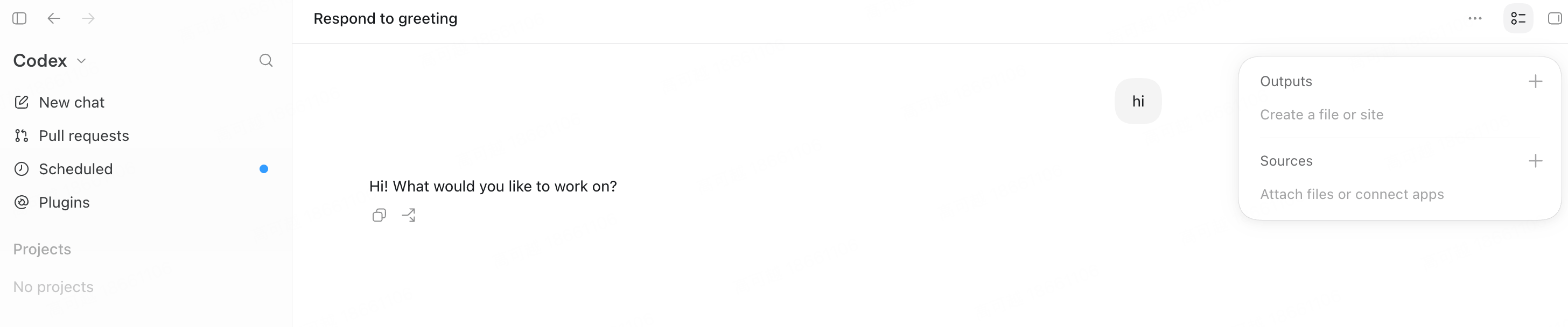
After the Codex Desktop responds normally, confirm that this request appears in the HiModels usage records to verify that the integration is complete. For 401, 403, or 429 errors, see Frequently Asked Questions.
If the model is unavailable, first check that it is supported, then check the API Key and Base URL.