Prerequisites
Node.js environment
Install Node.js LTS and verify that node and npm work
Command-line tools such as Claude Code and Codex all depend on Node.js. Install the latest LTS release from the Node.js website.
Download Node.js
Open the Node.js website and click Download Node.js.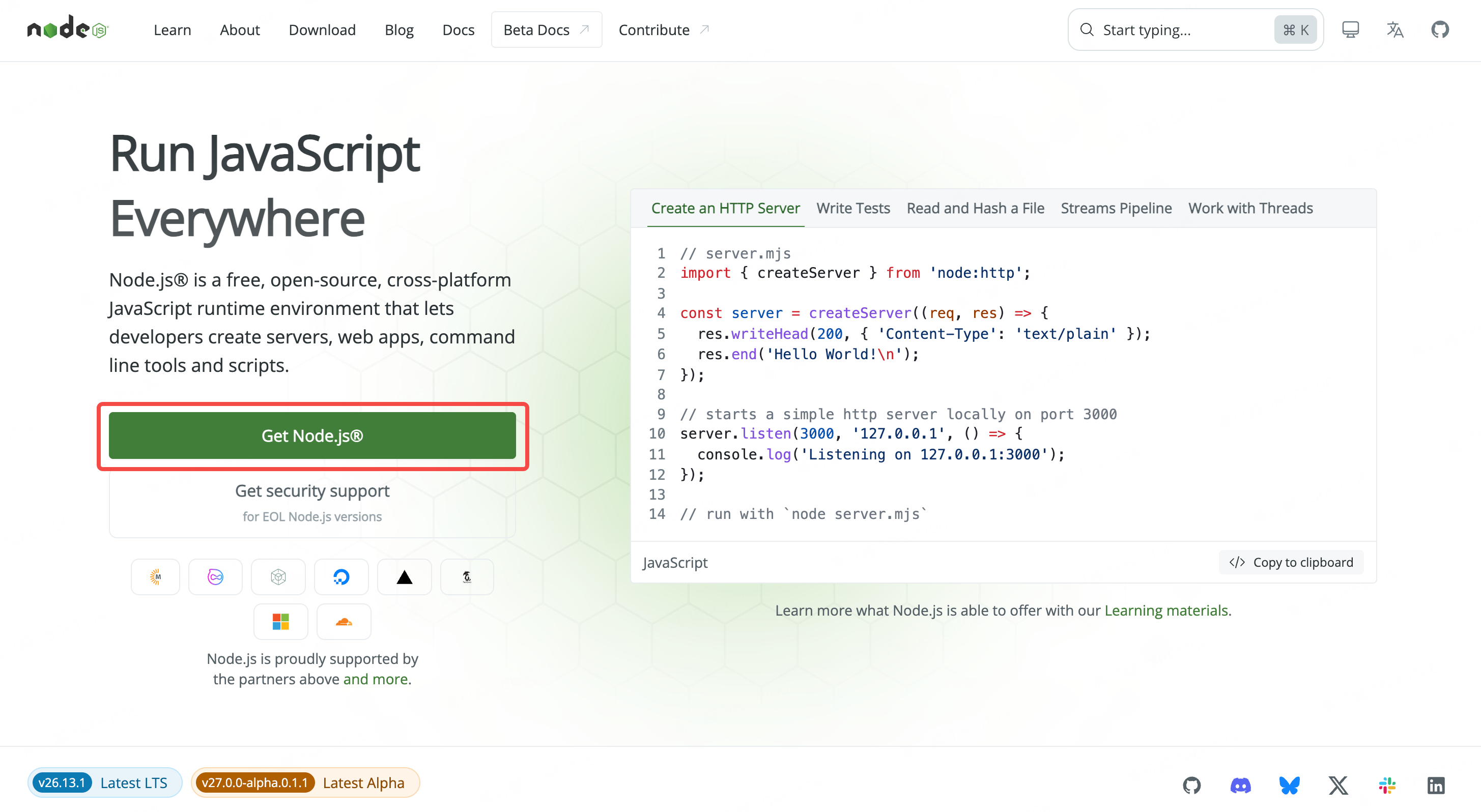
On the download page, pick your operating system and the LTS release, then download it.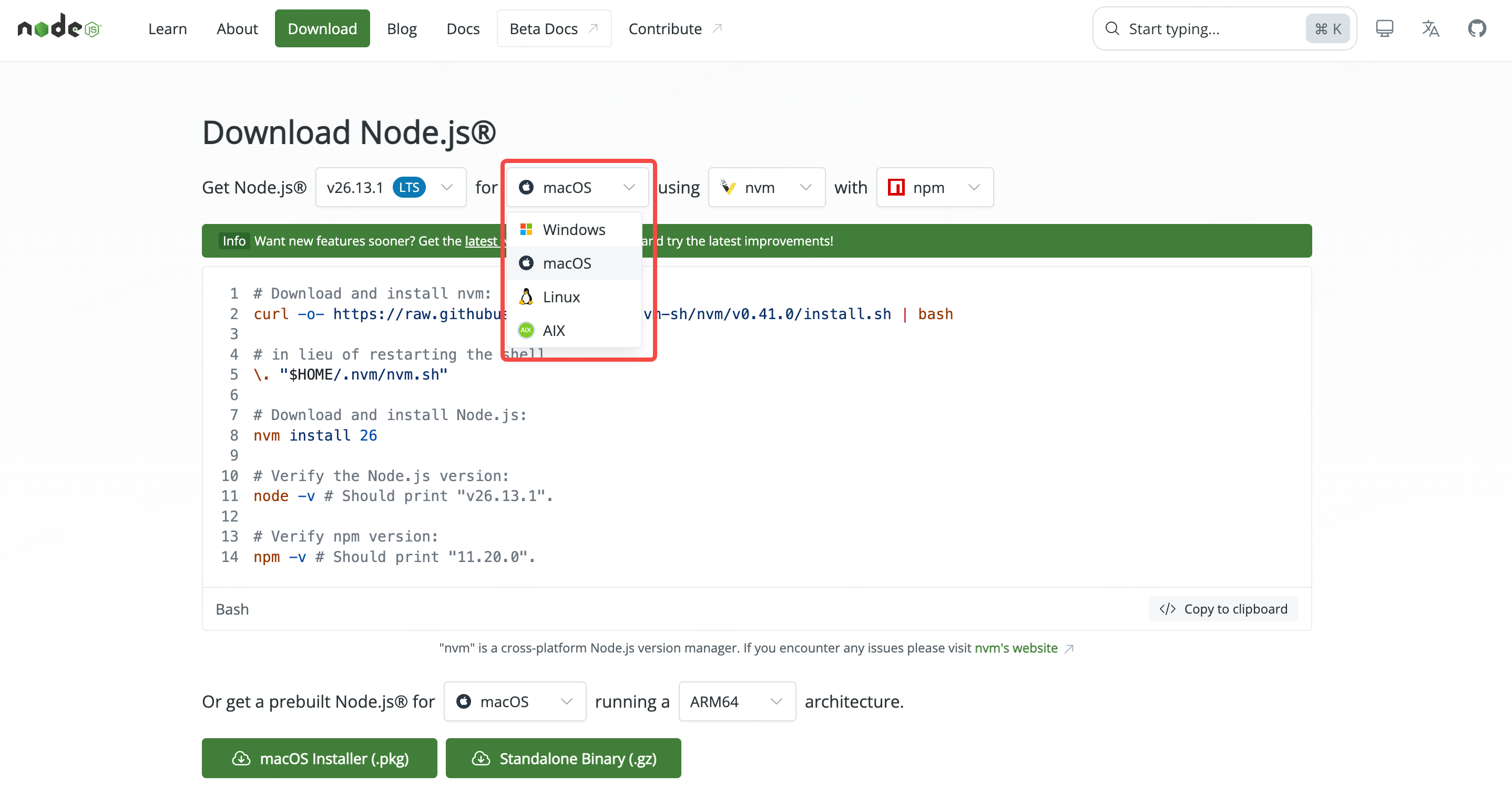
Install Node.js
On macOS, double-click the downloaded .pkg file. When the installer opens, click Continue.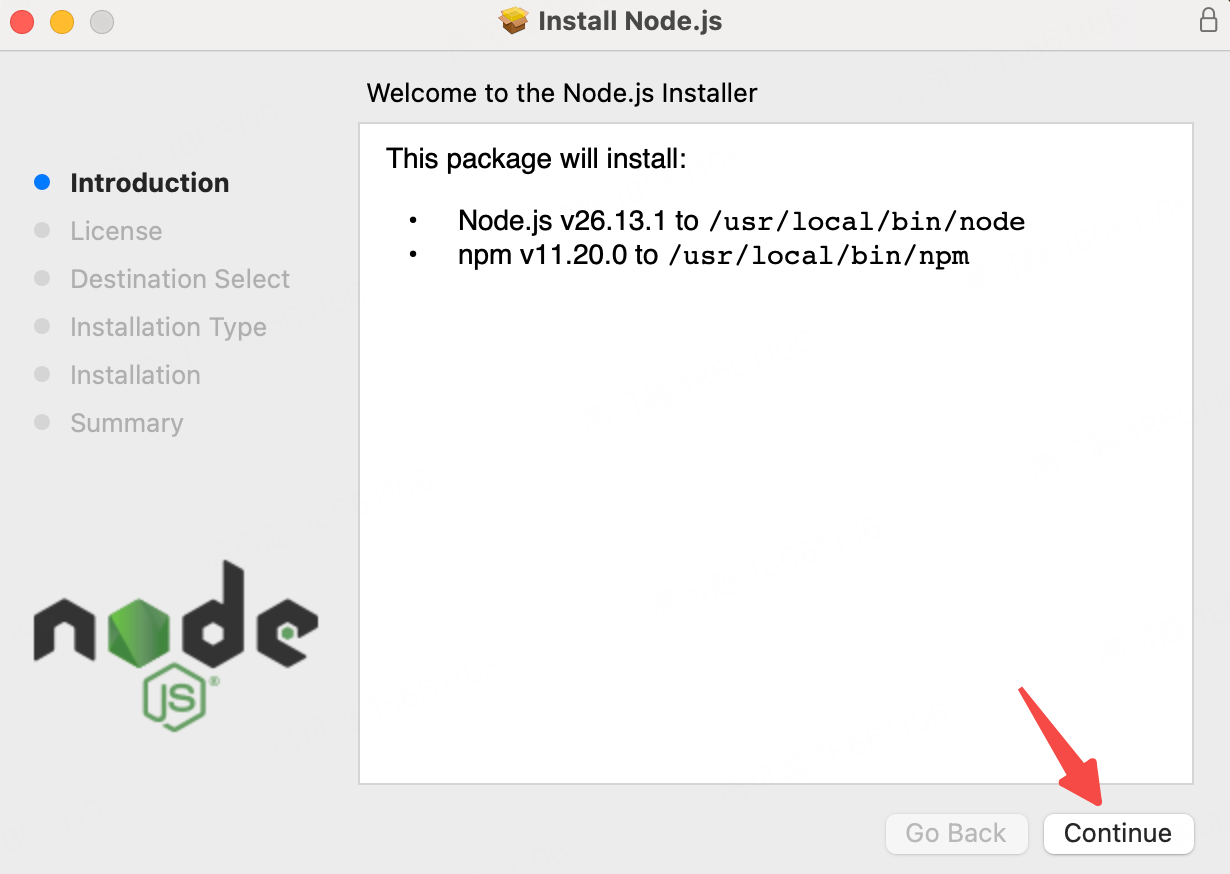
Accept the licence agreement, then click Continue.
Choose the install location. The default is fine unless you have a reason, then click Install.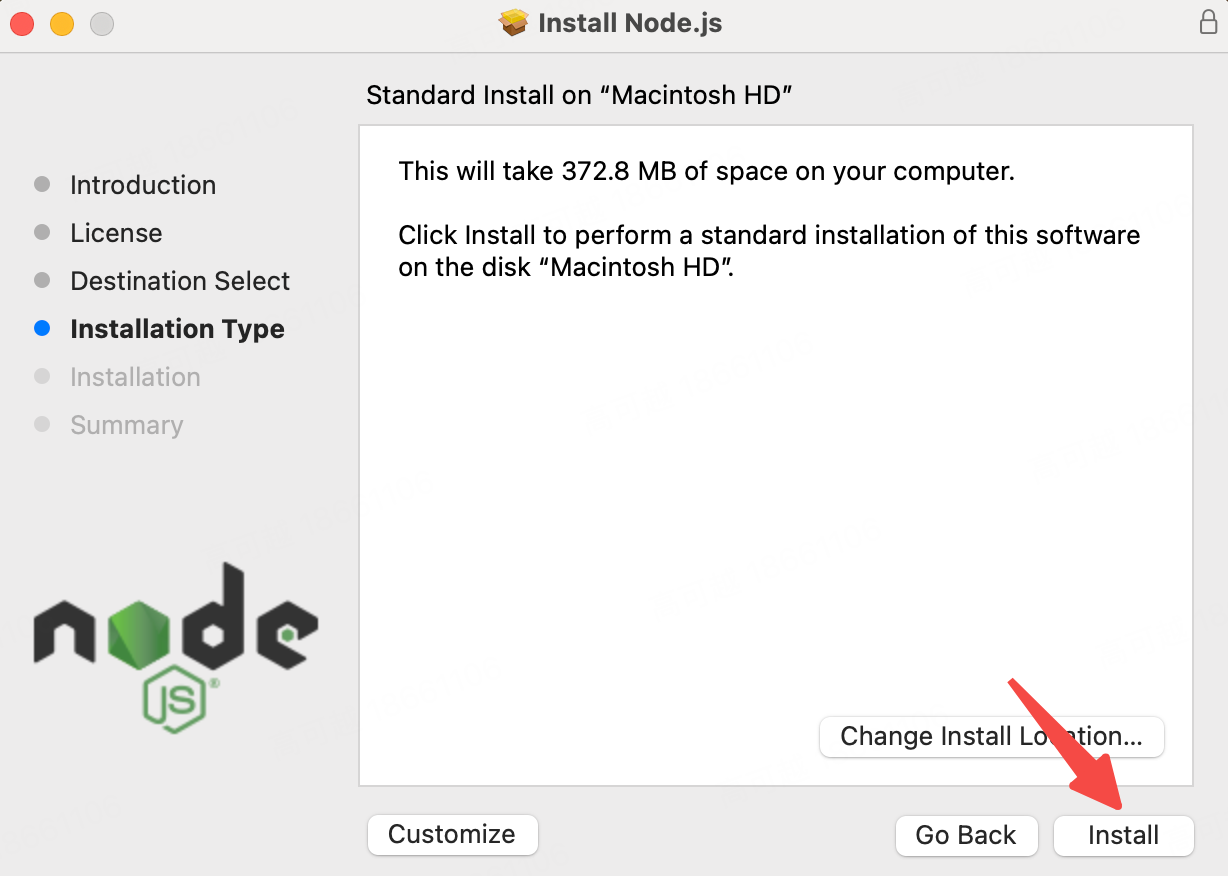
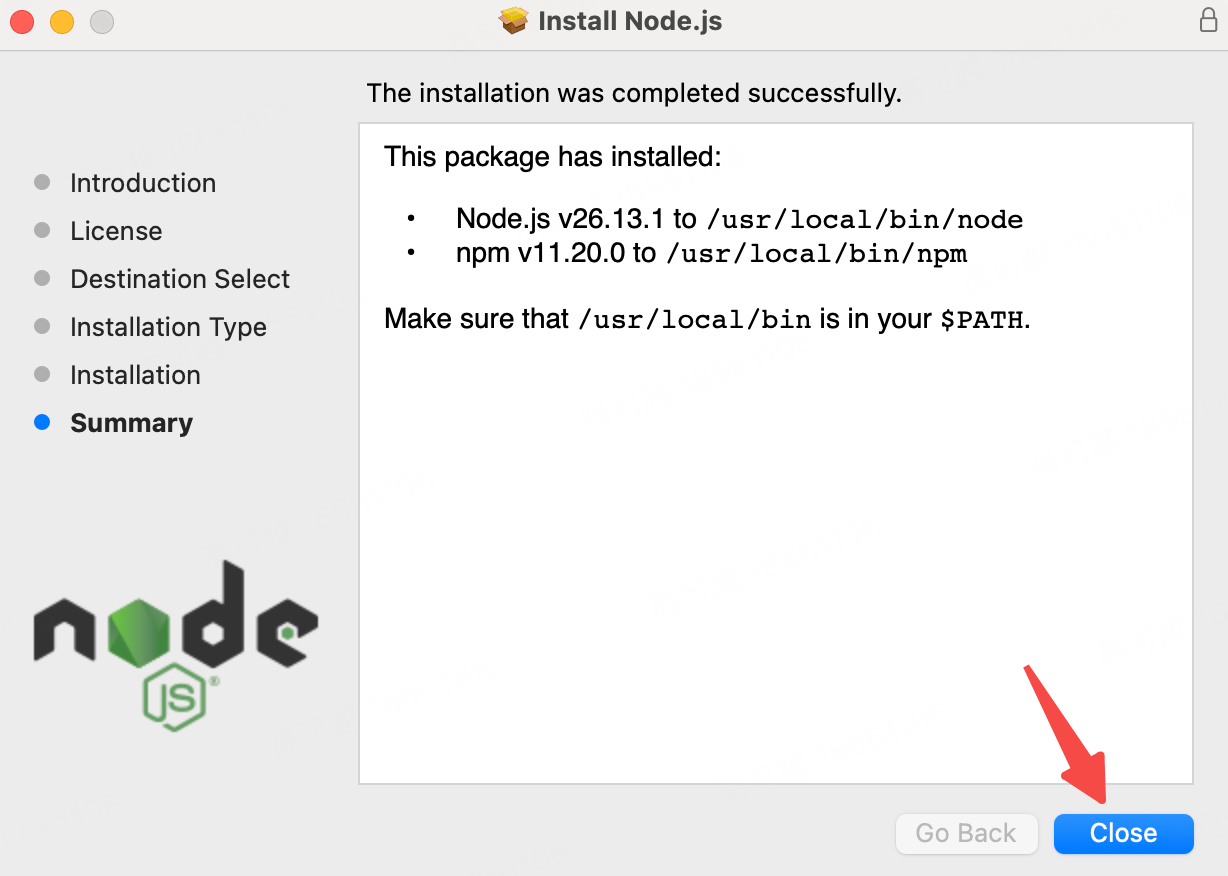
Verify the installation
After the installation finishes, reopen your terminal and run:
node --version
npm --version
If both commands print a version number, the installation succeeded. Your version numbers may differ from the screenshot; you can continue with Claude Code or Codex CLI afterwards.
Installing CC Switch
Download and install CC Switch from the official website
When you point a third-party API at an AI coding tool such as Claude Code or Codex, CC Switch lets you manage the base URL, API Key and model settings in one place and switch between providers. CC Switch runs on Windows, macOS and Linux.
Download CC Switch
Open the CC Switch website and click Download for free.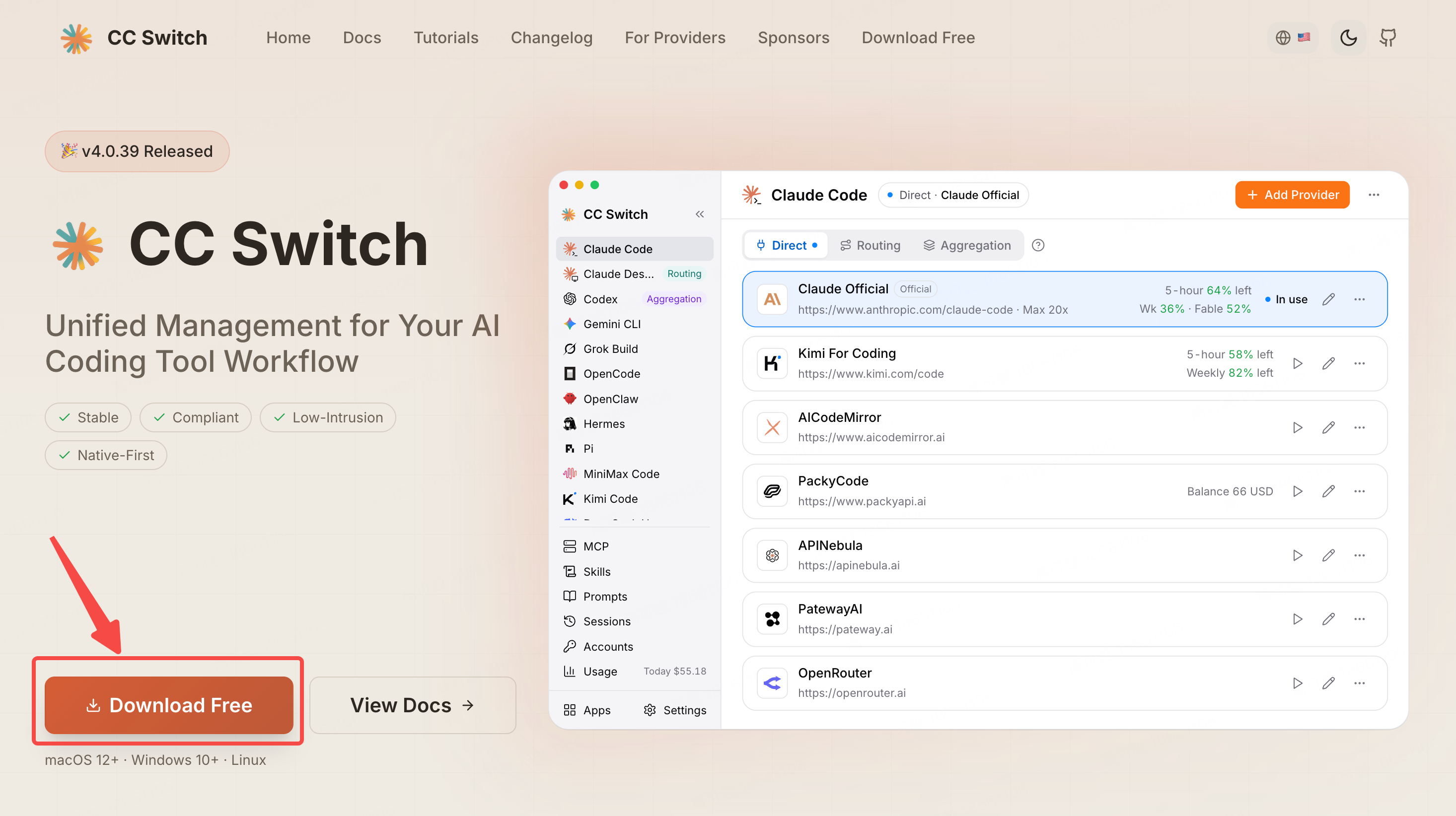
On the download page, choose your operating system and the matching package.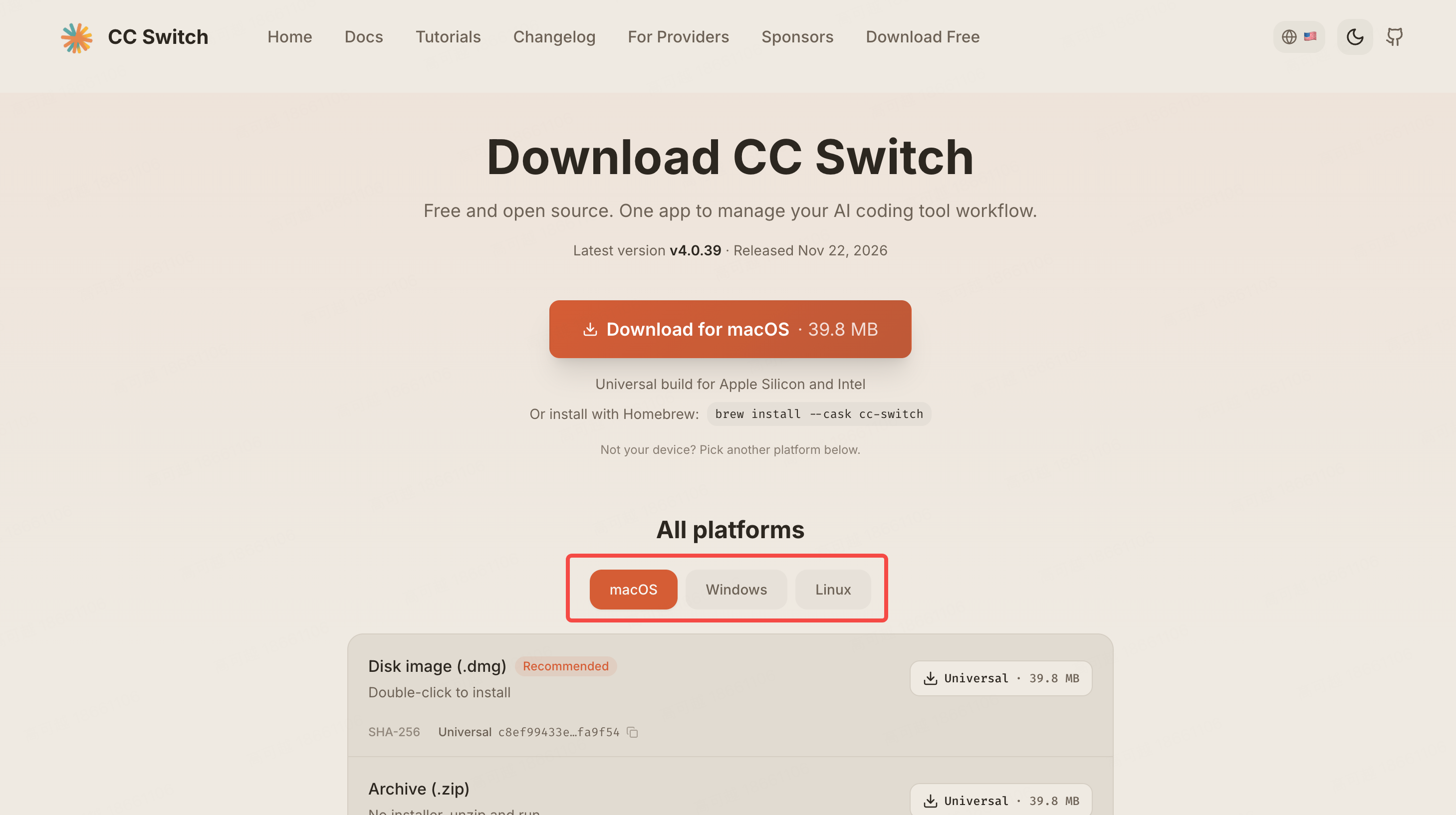
Taking macOS as an example, double-click the downloaded .dmg file, drag CC Switch into the Applications folder, then open CC Switch from Applications.
Verify the installation
If CC Switch starts and shows its main window, the installation is done.