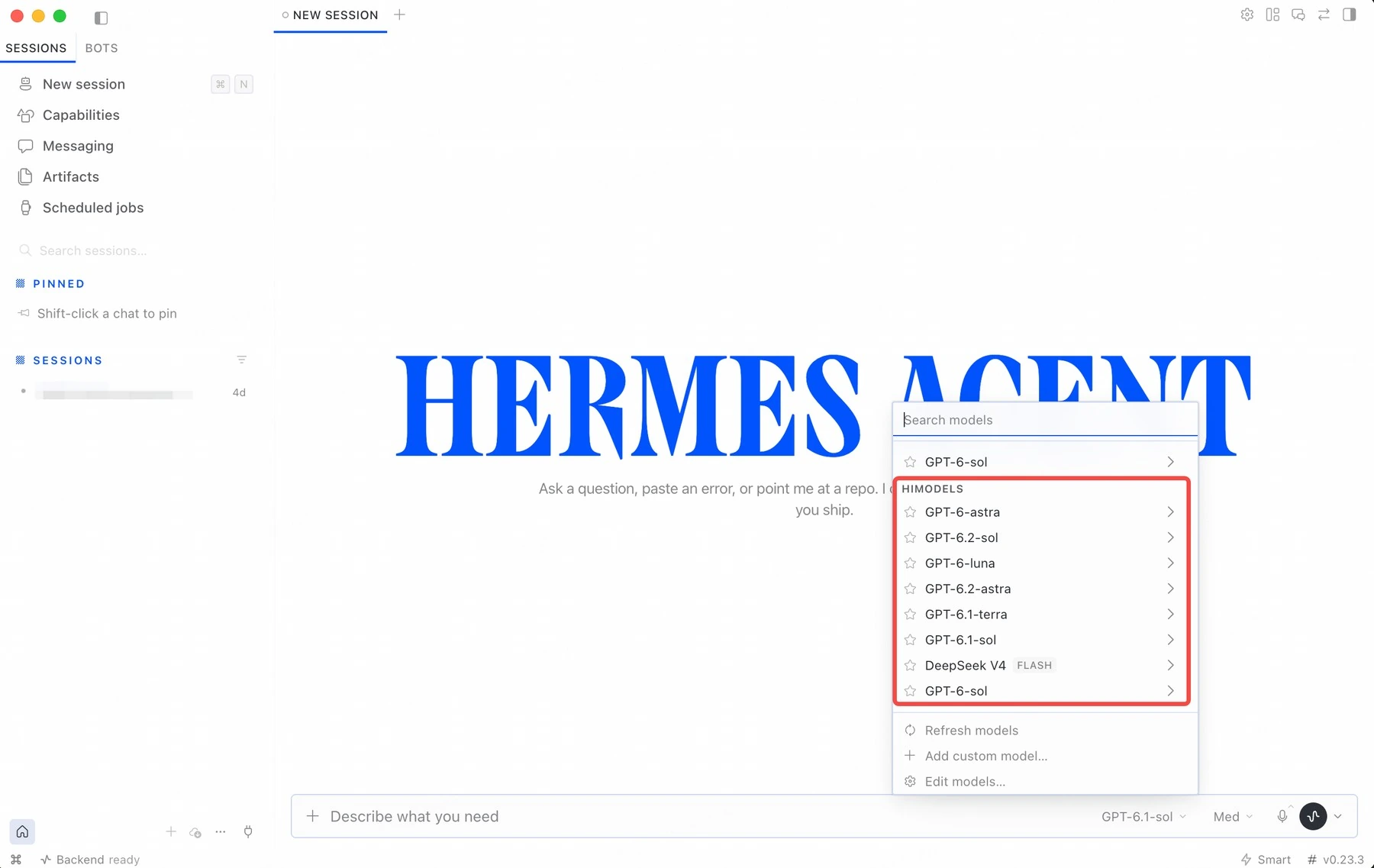
Hermes Desktop
Download Hermes Desktop from the official website: https://hermes-agent.nousresearch.com/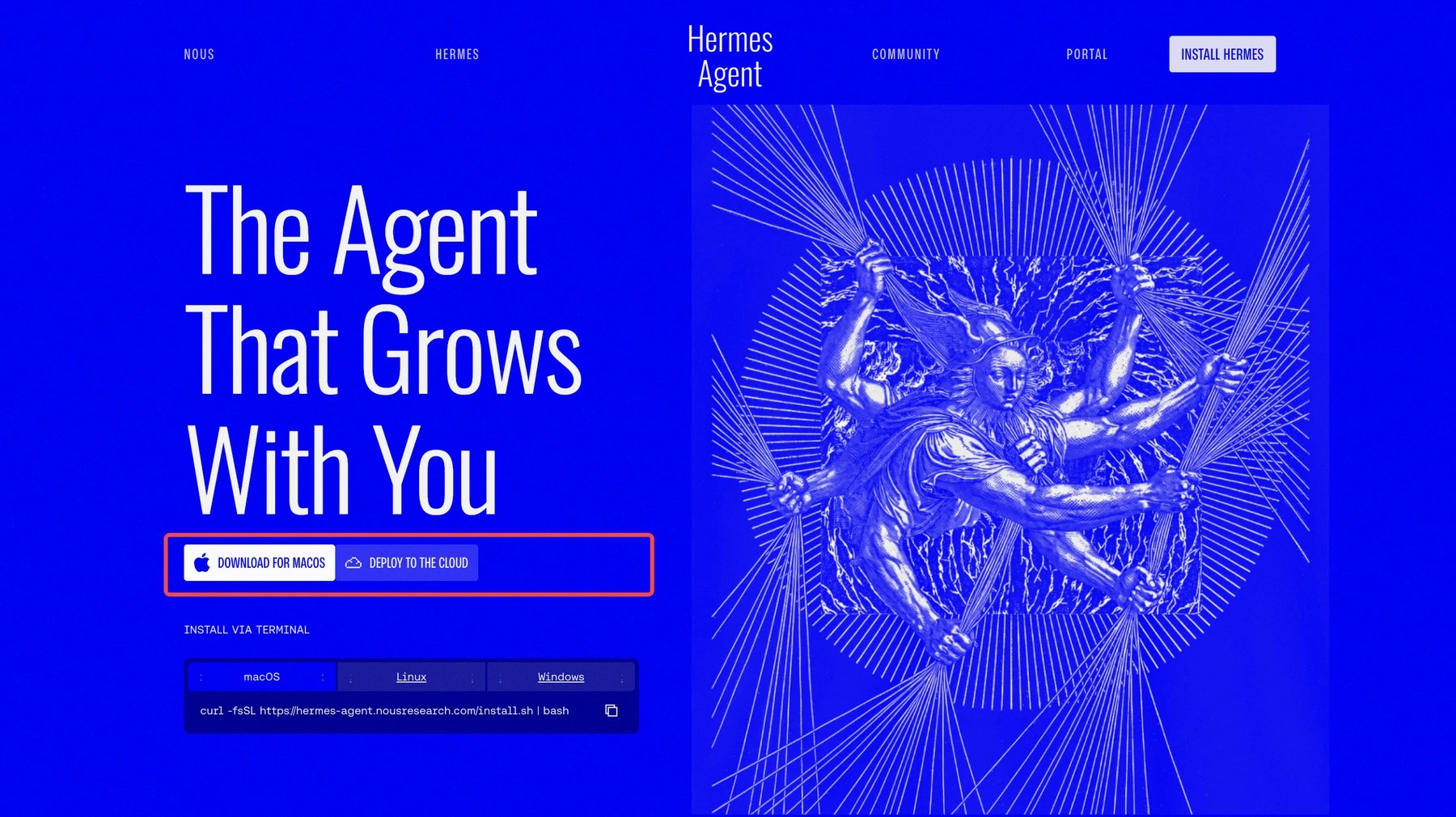
Install
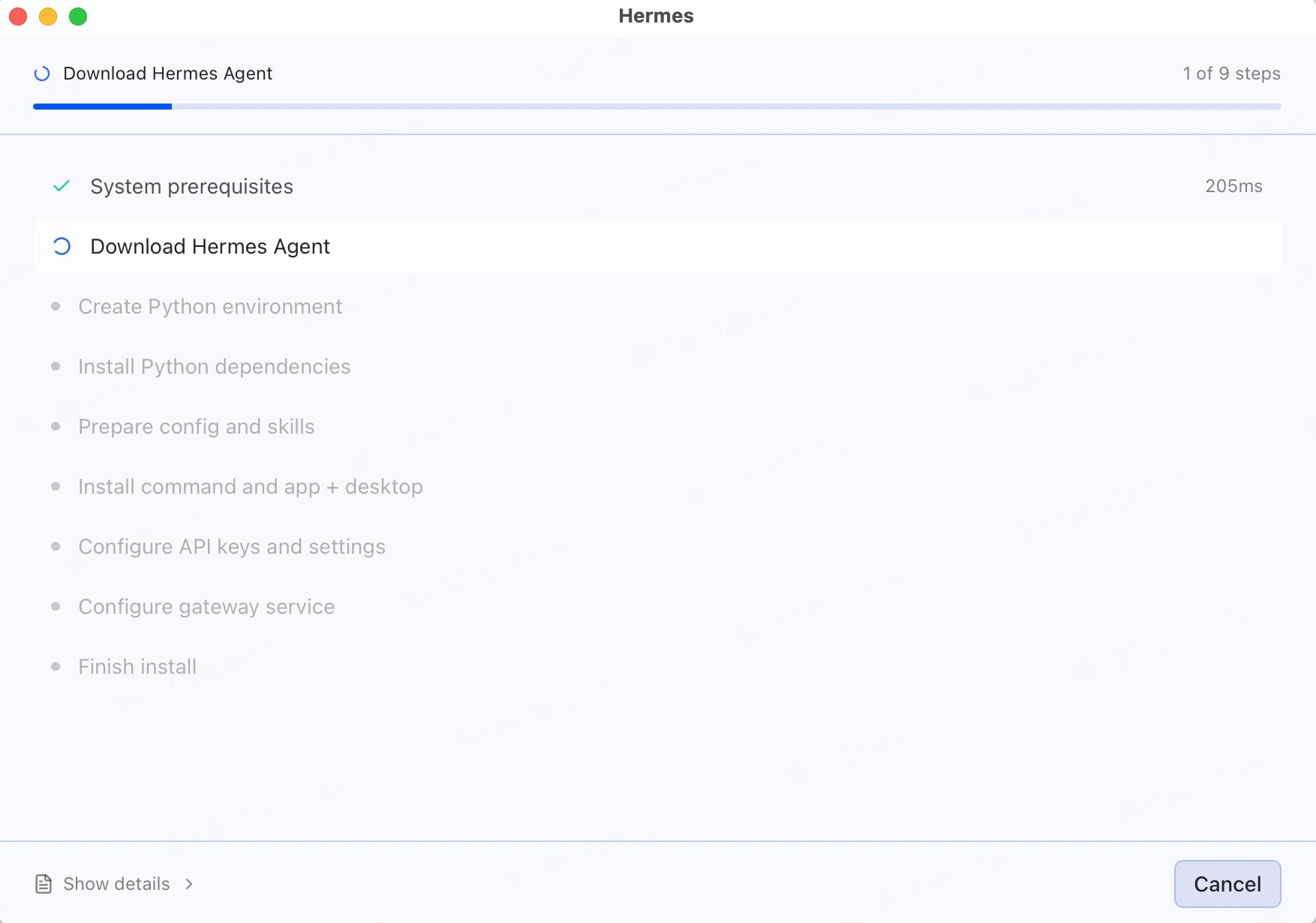
Recommended: connect with CC Switch
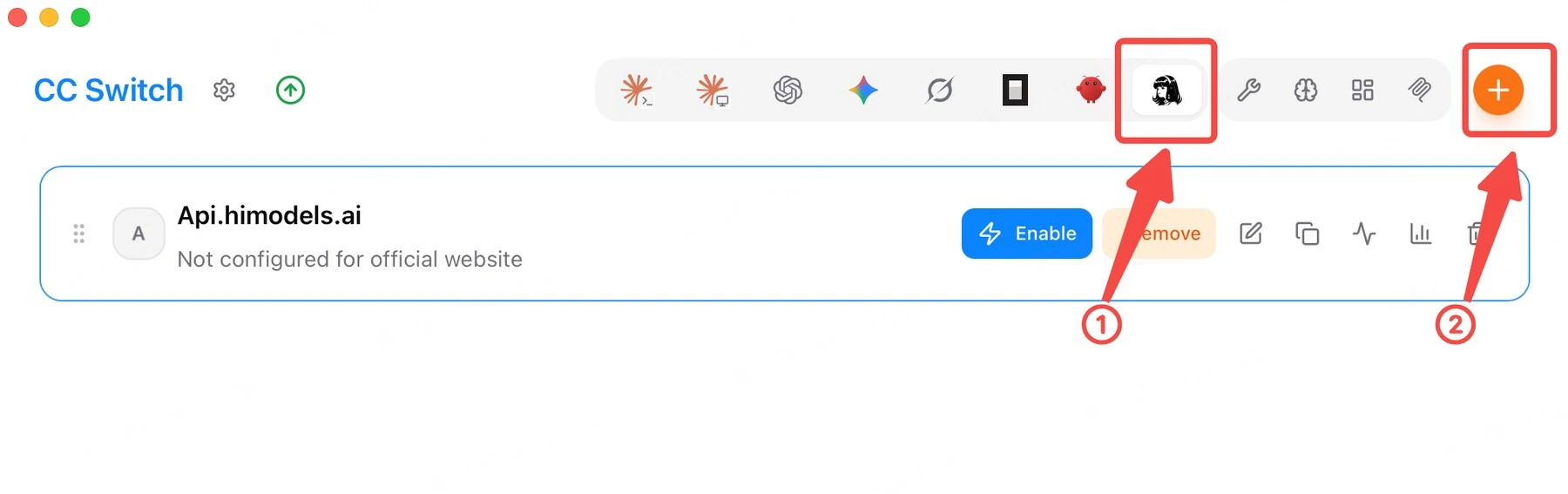
- Open CC Switch, switch to the Hermes page, then click + in the upper-right corner.
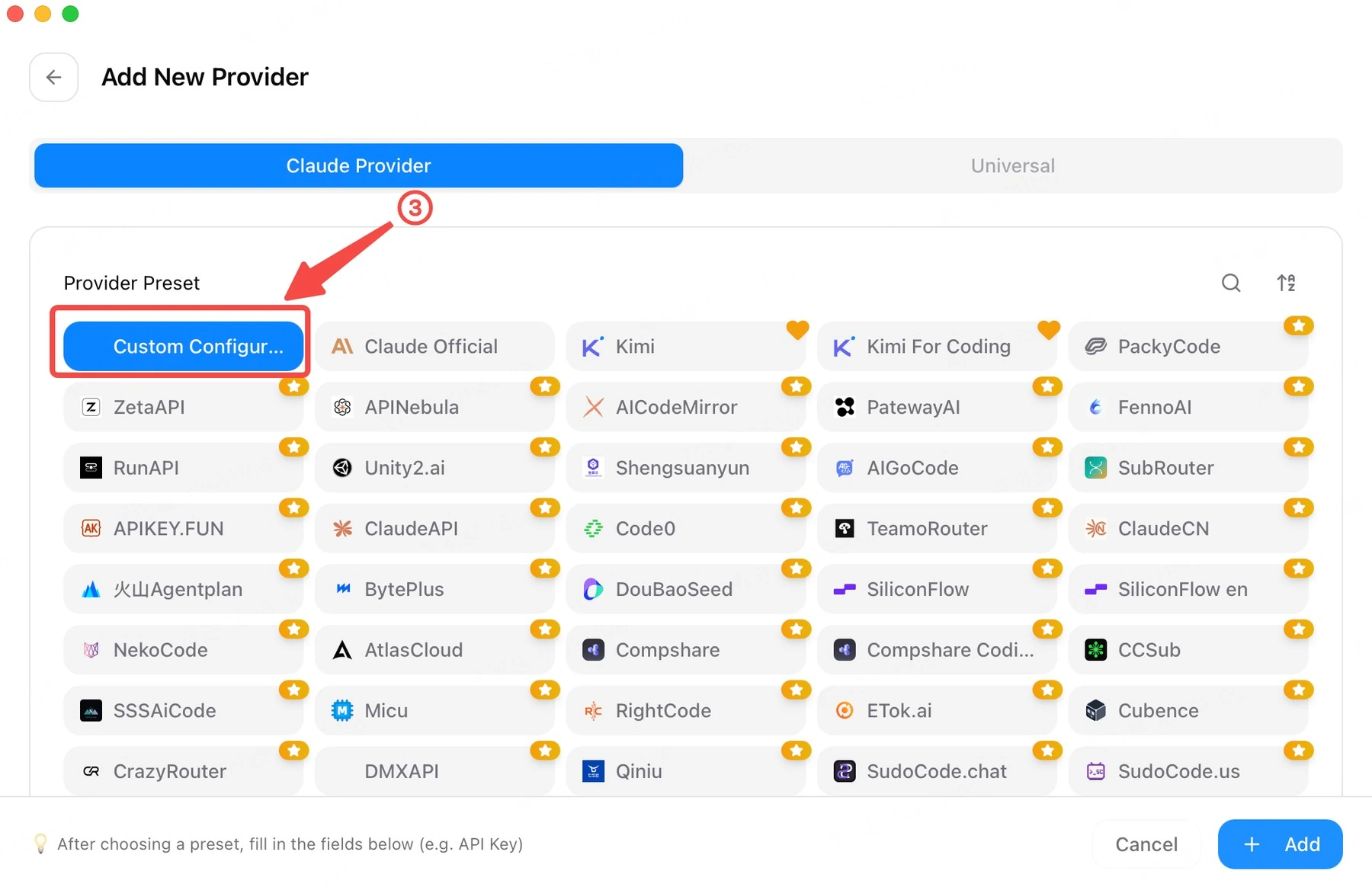
- Choose Custom Config.
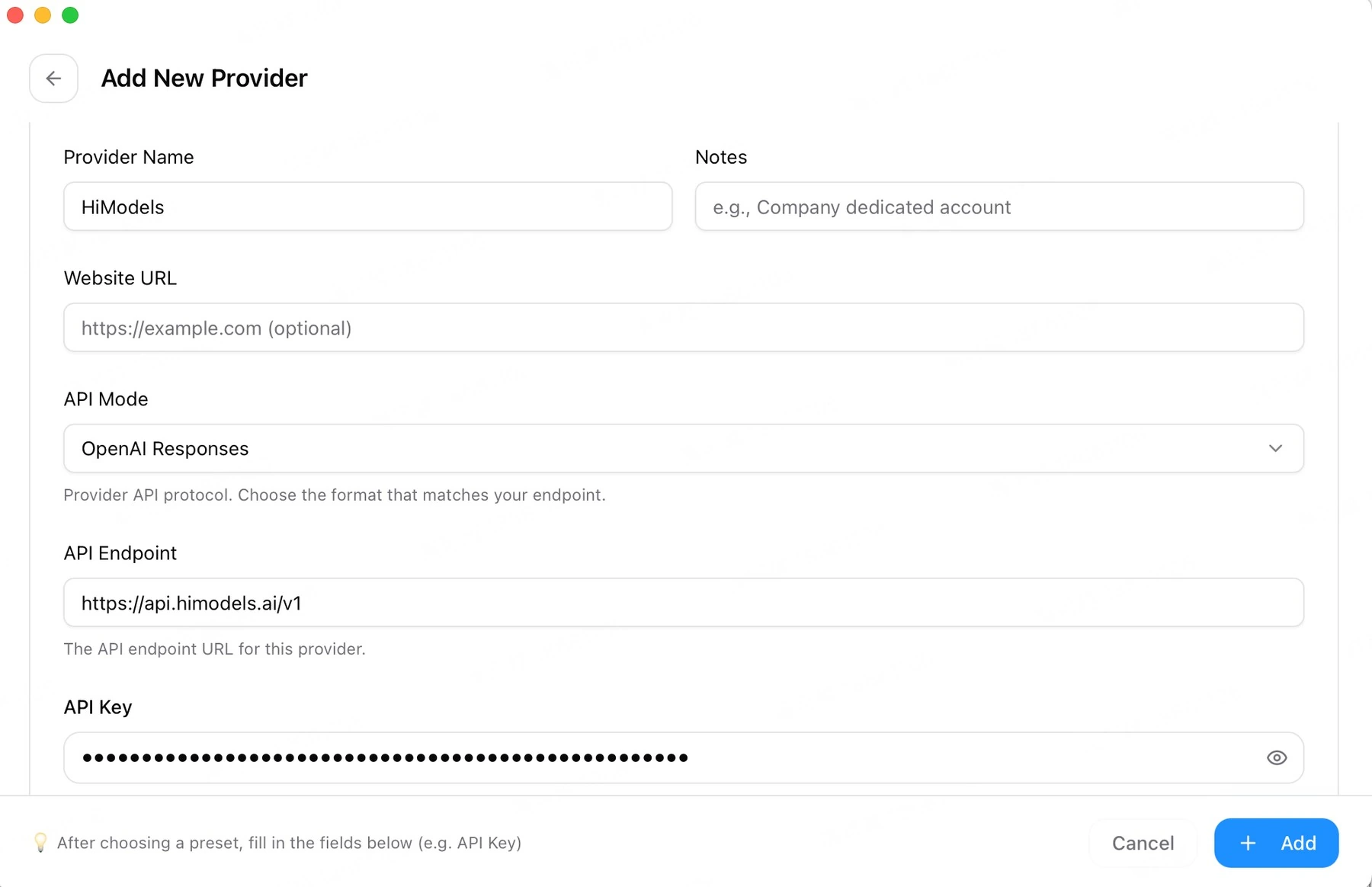
- Enter the API Key you just created and set the request URL to https://api.himodels.ai/v1.
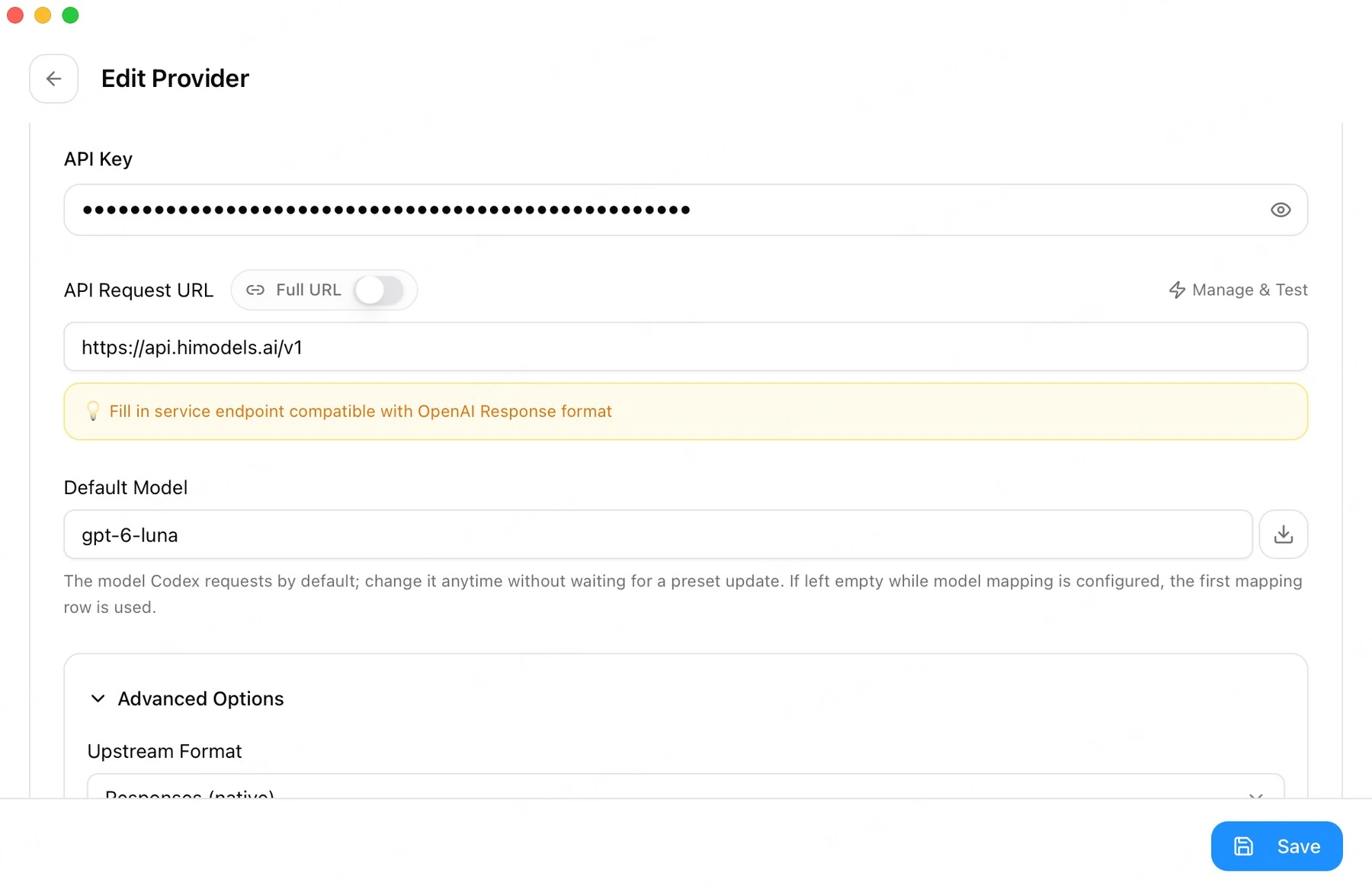
- Click the fetch button next to the default model and select the model you want to use. Keep the upstream format as Responses (native), then click Add.
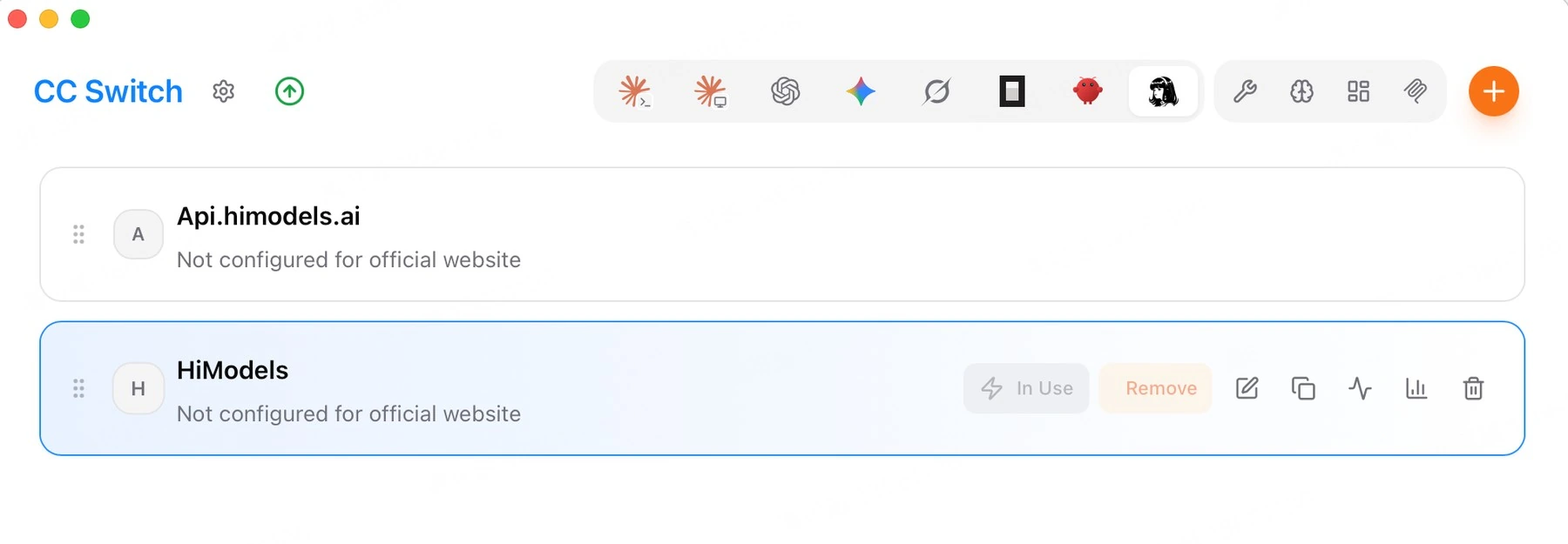
- After adding the provider, return to the CC Switch home page and click Enable on the HiModels provider.
Verify
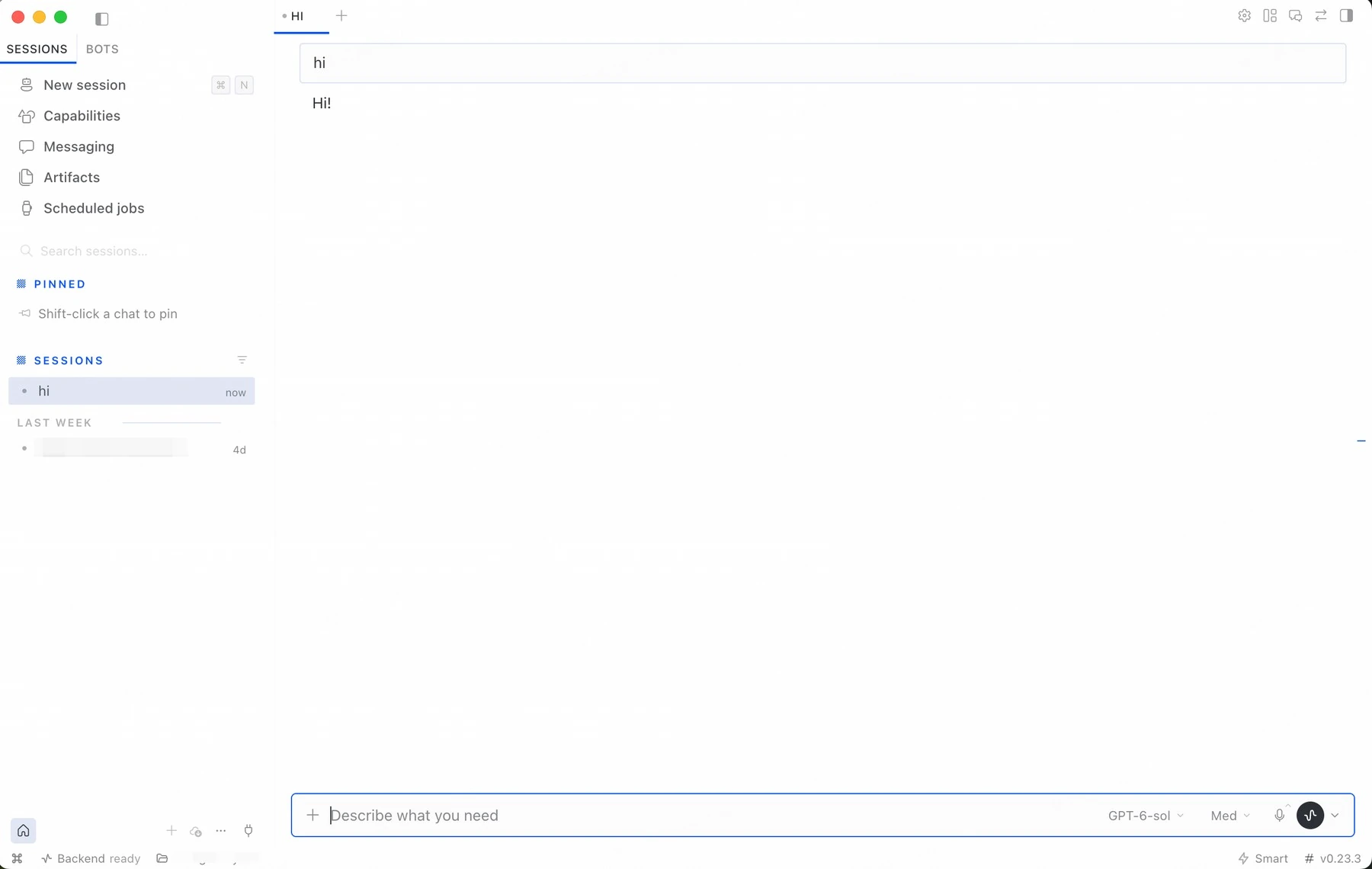
Open Hermes Desktop and choose a model configured in CC Switch. Click New conversation and send a message.