Chat on the web
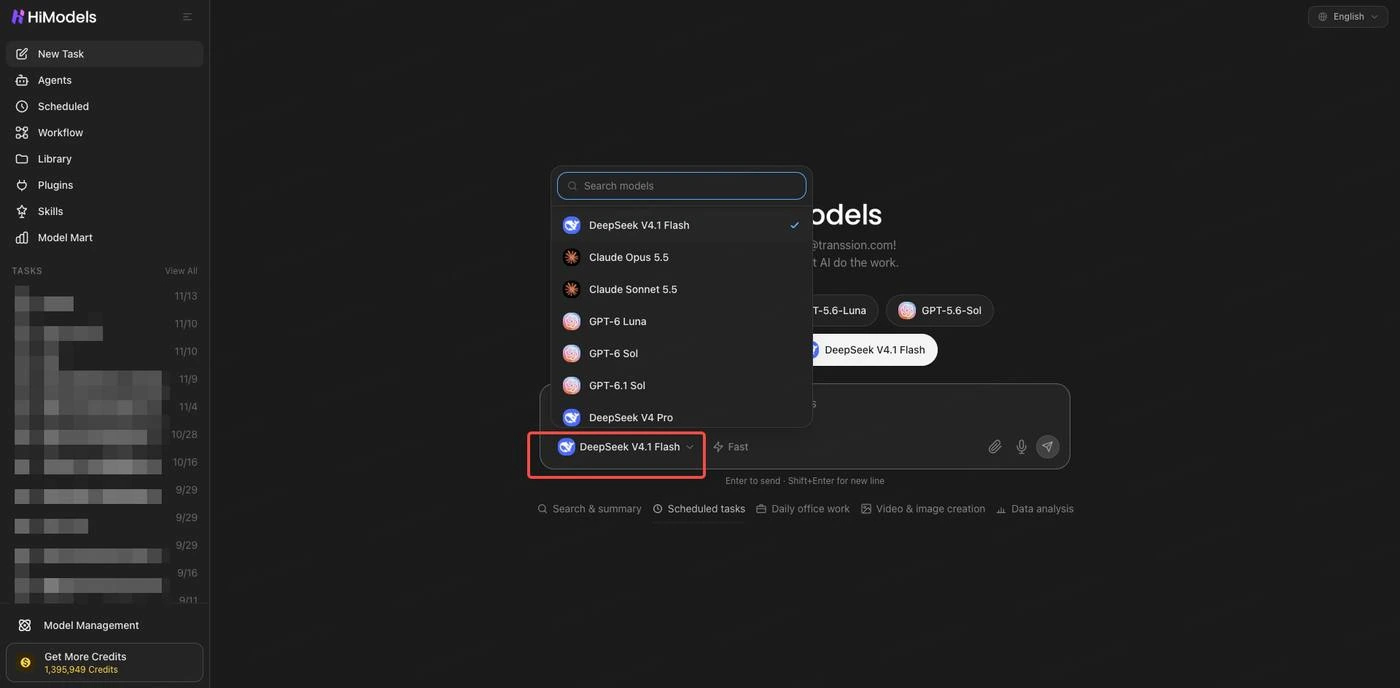
- Log in to HiModels and click New task in the left sidebar.
- Select a model in the input area.
- Type your question and send it.
- Conversations are saved automatically; you can search the list on the left and pick up where you left off.
For long-document analysis or code review, pick a model that is good at reasoning; for quick questions, pick a faster one. For image or file tasks, make sure the model you selected supports the capability, or that it is routed automatically to HiModels Tragent.